# General menu/tab & Keys tab
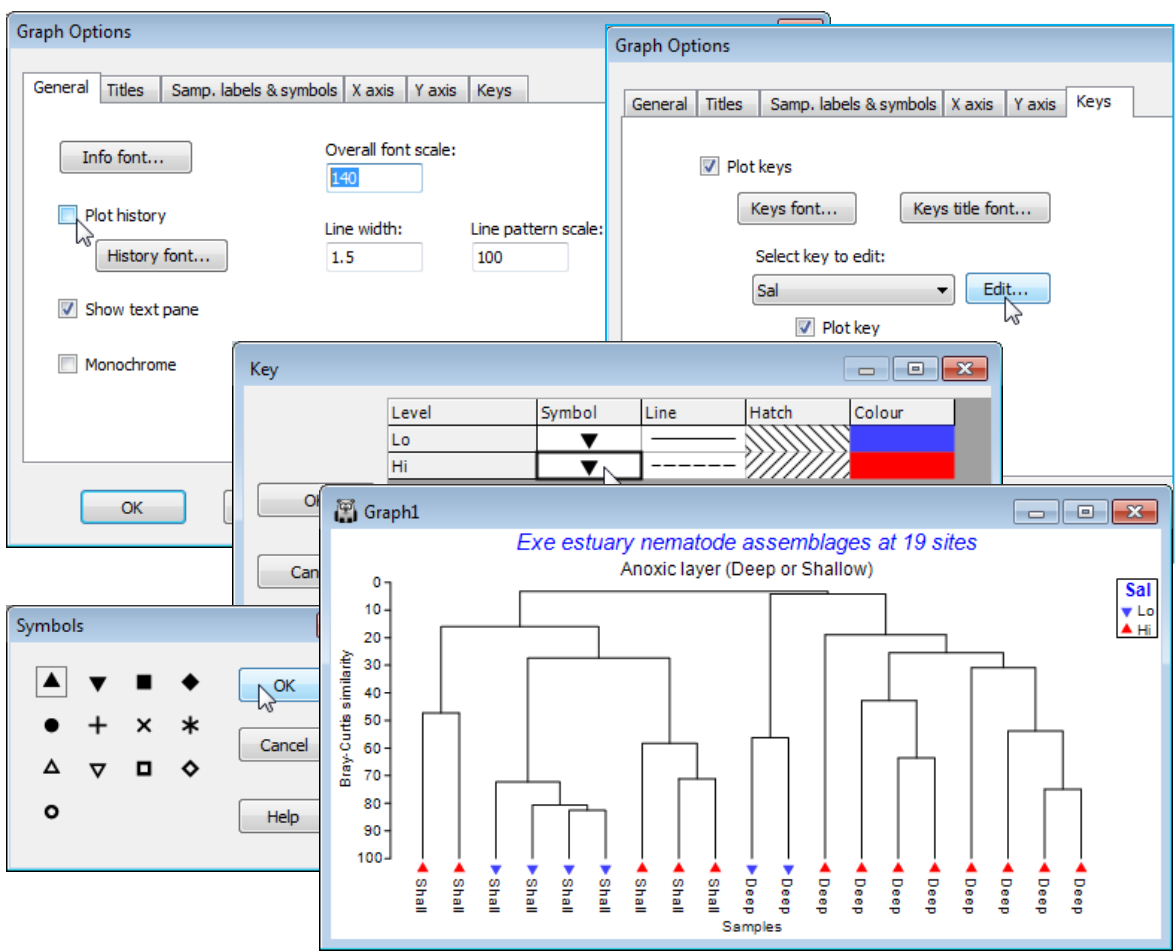
Finally, on the **General** tab (also reached directly from **Graph>General**), thicken up all lines with (Line width: 1.5) , increase the size of all fonts with (Overall font scale: 140), remove the display of the calculation history (transformation, similarity measure etc.) by unchecking (Plot history). On the **Keys** tab, take **Keys title font** to make the factor title ✓Bold, and **Edit** to obtain the Key dialog and reverse the upward and downward triangle symbols for this salinity factor (so *Lo* points down!).
[](https://learninghub.primer-e.com/uploads/images/gallery/2024-06/screenshotpage87a.png)