# Selecting by number and non-missing
It may sometimes be easier to use the sample numbers, here **Select>Samples**>•Sample numbers> 1,2,5,6,11,12,15,16, though this is more likely to be useful where such numerical lists are output in results (e.g. by the BEST routine, Section [13](https://learninghub.primer-e.com/books/primer-v7-user-manual-tutorial/chapter/13-linking-assemblage-to-environment-best-bio-env-linktree)), and can be copied and pasted into this dialog box.
[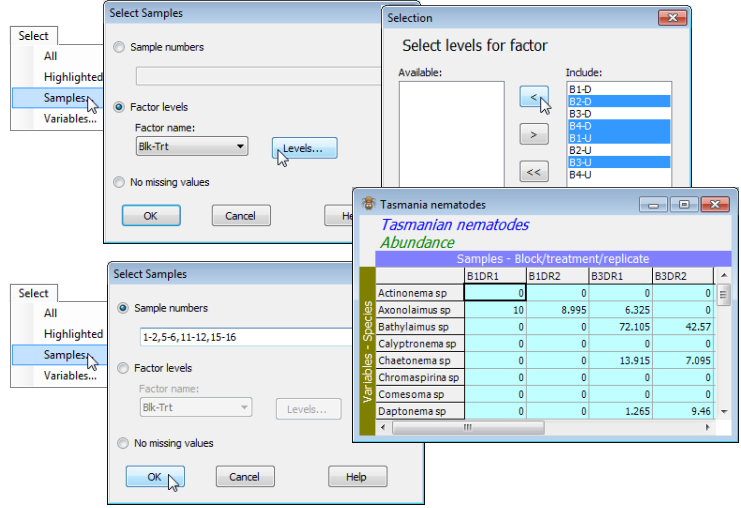](https://learninghub.primer-e.com/uploads/images/gallery/2024-05/screenshotpage49a.png)
The final possibility is **Select>Samples**>(•No missing values) in which only those samples which have no entries of Missing! for any of their variables will be selected. Missing! entries are unlikely for species matrices (as here) but this facility might be useful sometimes for environmental arrays, to find samples which have a complete set of variables.