Deactivate PRIMER
Sometimes you may need to deactivate your instance of PRIMER. This could be because you want to free up a seat on the licence or because you want to change which licence key you have activated on your machine in order to use PRIMER.
If you want to deactivate your instance of PRIMER AND uninstall the software, please see the section entitled 'Uninstall PRIMER'.
Note: Your machine must be connected to the internet for the deactivation to work. If you run into problems, please contact tech@primer-e.com.
-
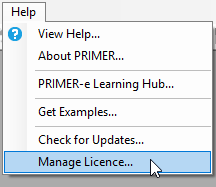
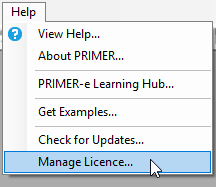
Open PRIMER 8 and click on Help > Manage Licence...
-
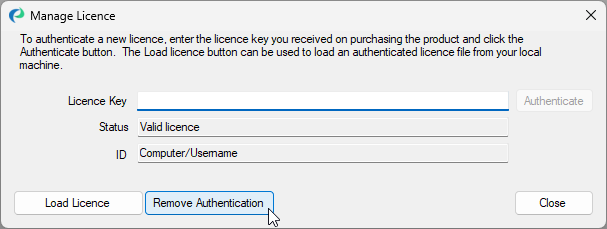
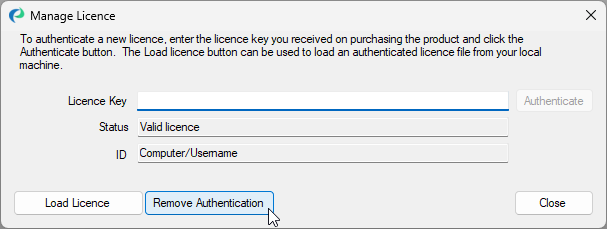
In the 'Manage Licence' window, click on the 'Remove Authentication' button.
-
The 'Status' will change from 'Valid licence' to 'No licence active', indicating that you have successfully removed your licence key's authentication of the software from this machine. Click on 'Close'.