
Change/update your card details
If you have paid for your initial subscription via our website using credit or debit card, then that card's details can be kept in the system as the payment method associated with your subscription, and used for future renewals. You can change/update the details of the card (e.g., to alter the expiry date) as follows.
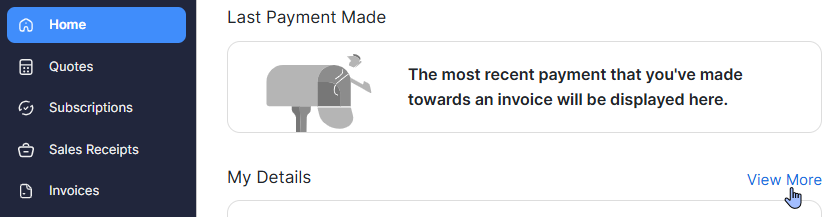
- On the 'Home' page in the customer portal, looks on the right-hand side of the section entitled 'My Details', and click 'View More'
- You will see all of the cards currently held in your account in the customer portal. Click on the small blue cog (
 ) located to the right of the card whose details you wish to alter.

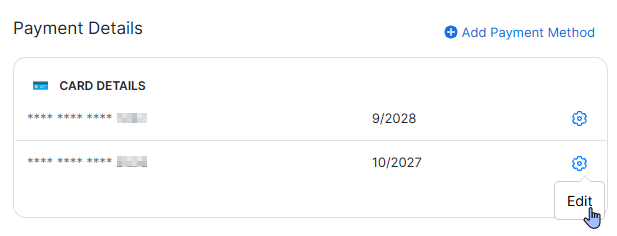
- In the form that pops up, edit the card details with up-to-date information, as required, and click 'Save'.

Your card details will then be up to date.