
Add a payment method
You can add one or more payment methods (debit or credit cards) to your account in the customer portal. Follow the instructions below to add a payment method.
- In the customer portal, make sure you are on the 'Home' page:
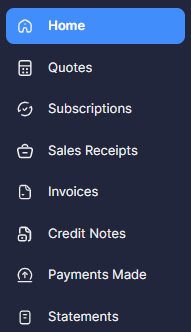
- In the section entitled 'My Details' (located at the bottom left of the 'Home' page), you will be able to see all cards currently held in the system for you. Under these details, click on 'Add Payment Method'.

- Fill in the details of the card you want to add and click the button to 'Update Payment Method'.

Note that simply adding a card to the customer portal will not automatically associate it with (any of) your current subscription(s). However, once the card has been added to your account in the portal, you can then easily change the card associated with a particular subscription.